Turn Your NVMe Drive Into a High-Speed Portable SSD (For Cheaper!)

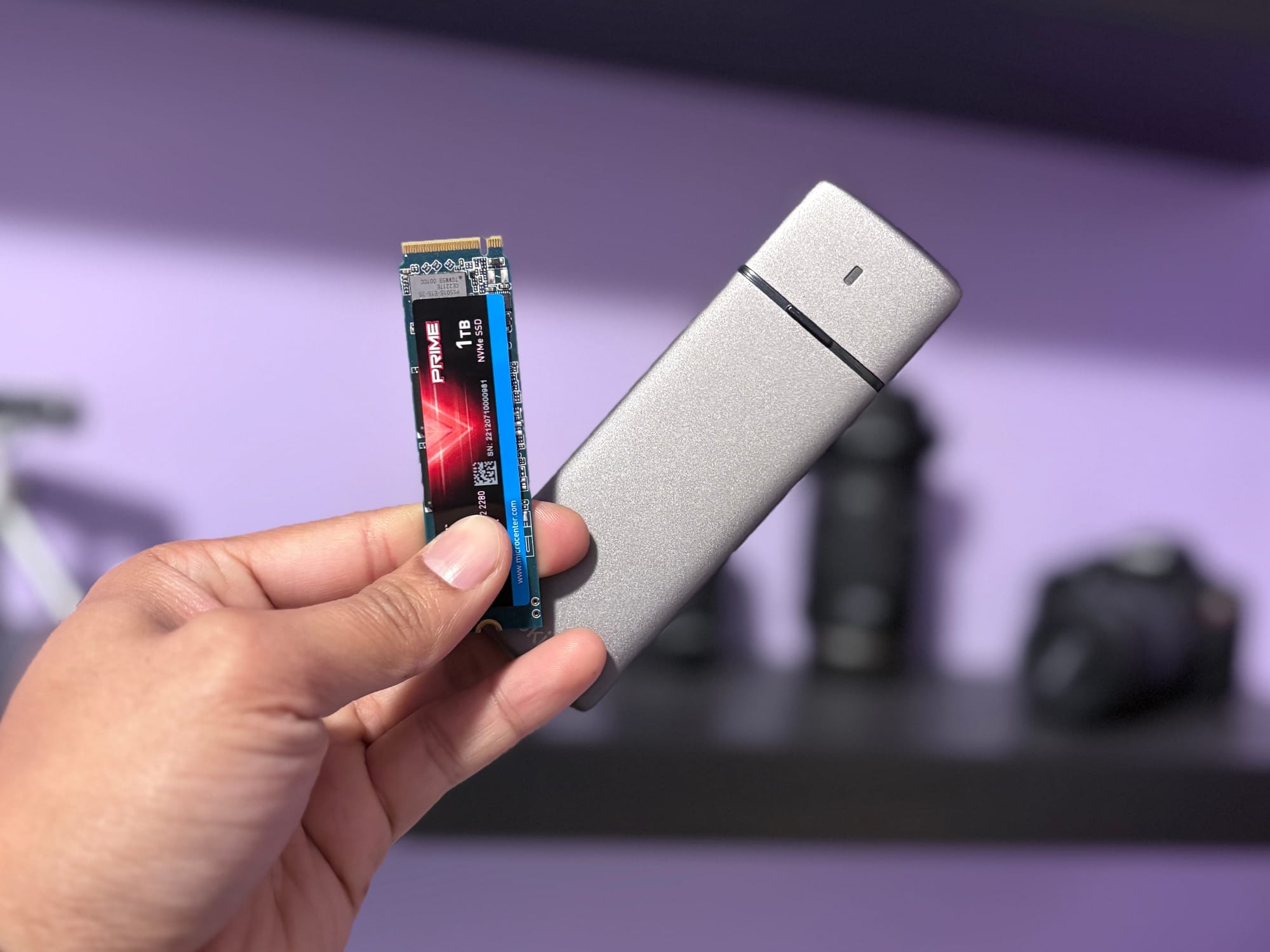
In today’s world of large files, 4K videos, virtual machines, backups, and game libraries, having a fast and reliable portable SSD has become essential. While branded external SSDs like the Samsung T7, WD My Passport SSD, and SanDisk Extreme are great, they often come with a higher price tag.
A smarter and more budget-friendly option?
Use an NVMe enclosure and your own NVMe SSD to create a portable SSD that is not only cheaper—but often much faster.
Let’s break down how this works and why you should consider it.
What Is an NVMe Enclosure?
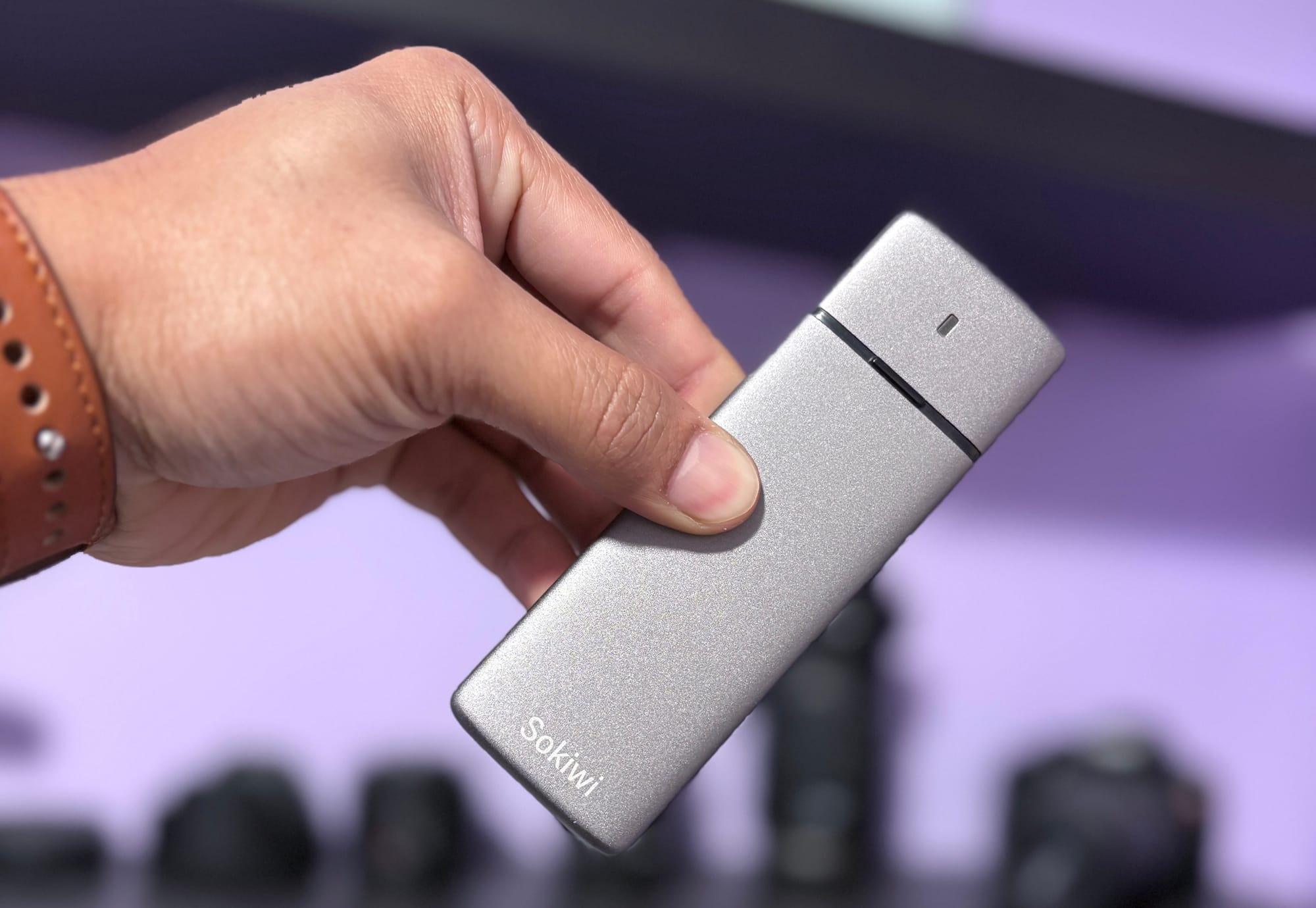
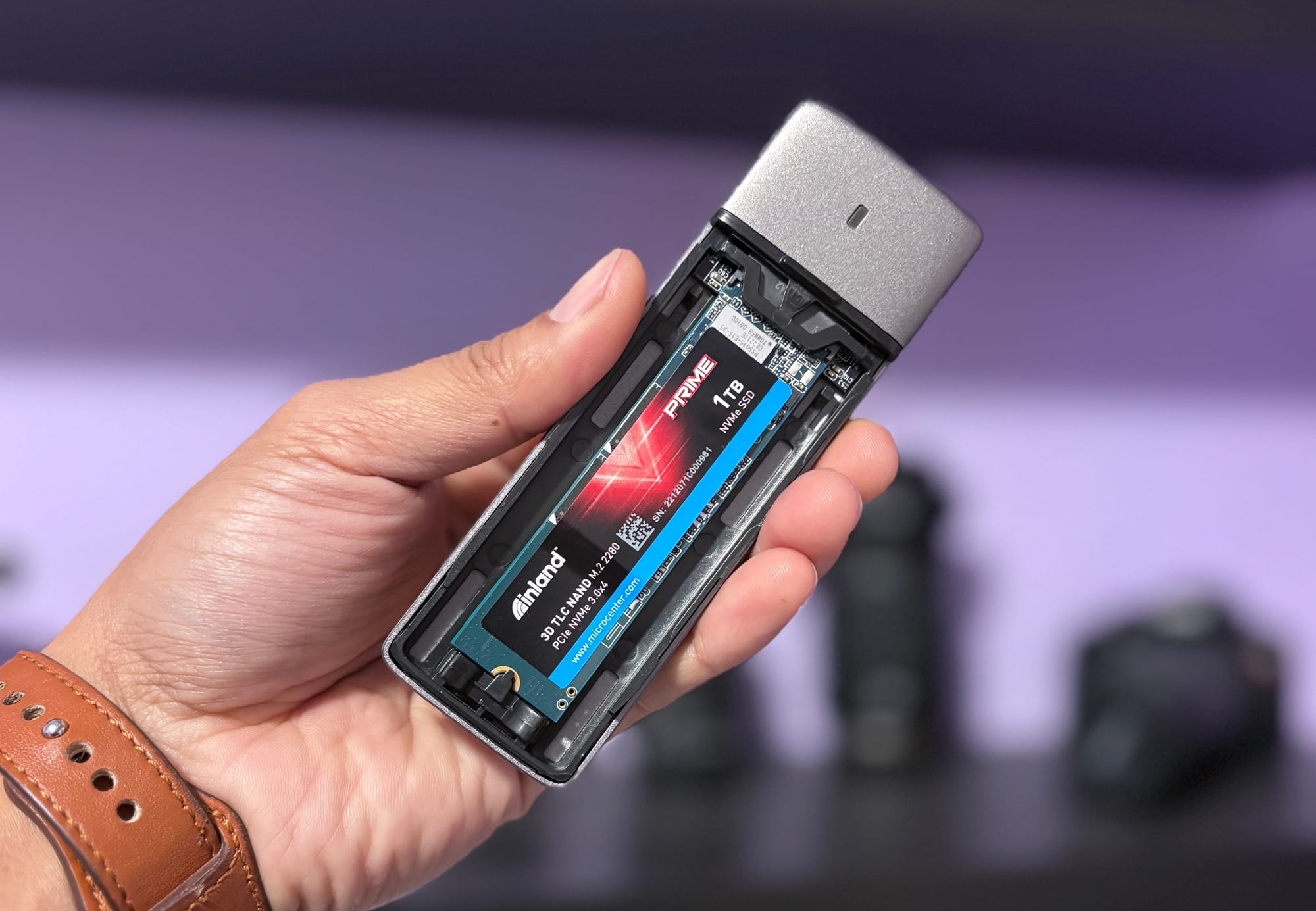
An NVMe enclosure is a small, portable housing where you insert an M.2 NVMe SSD.
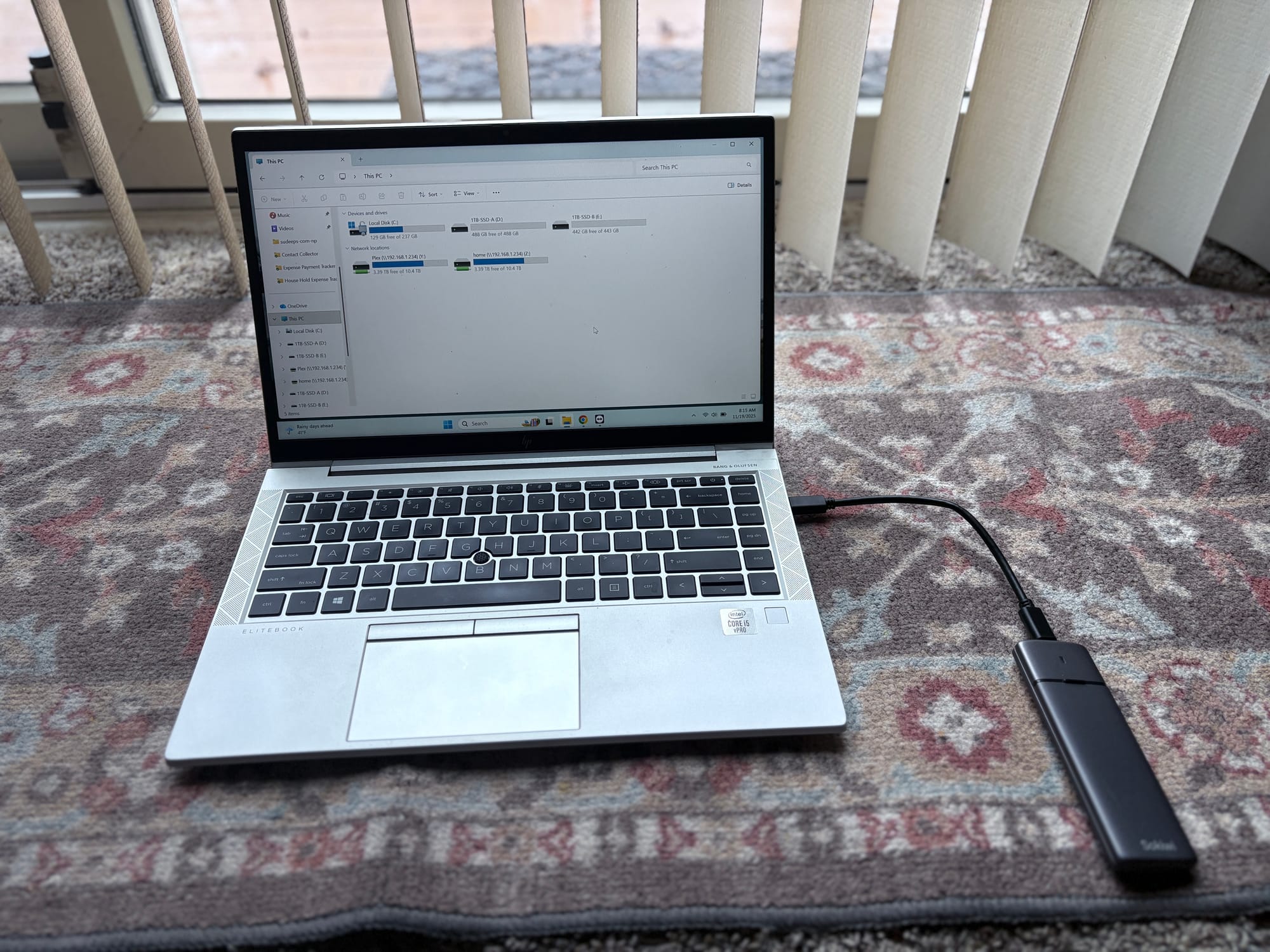
Once installed, the enclosure connects to your device using USB 3.2 Gen 2, USB 4, or Thunderbolt 3/4, depending on the model.
Think of it as converting an internal SSD into an external portable SSD.
What you get:
- Portability
- High transfer speeds
- Lower cost
- Flexibility to upgrade any time
Why Use an NVMe Enclosure Instead of Buying a Portable SSD?
1. Cheaper Cost
Branded portable SSDs cost more due to:
- enclosure manufacturing
- controller chips
- brand markup
If you already have a spare NVMe drive from a laptop upgrade or extra storage, the cost becomes even lower—just buy the enclosure.
2. Much Faster Speeds
Most portable SSDs max out around 1,000 MB/s.
But with a good NVMe SSD + enclosure combo, you can get:
- USB 3.2 Gen 2: ~1,000 MB/s
- USB 3.2 Gen 2x2: ~2,000 MB/s
- USB 4 / Thunderbolt 3/4: 2,700–3,000+ MB/s
That’s desktop-level performance in a pocket-sized device.
3. Great for IT Professionals, Creators, and Gamers
An NVMe enclosure is ideal for:
- Backups & system imaging
- Moving large VMs
- Photo/video editing from the drive
- Gaming libraries
- File recovery/IT troubleshooting
- Bootable OS on-the-go
Since the drive uses NVMe architecture, random read/write performance is exceptional—much better than SATA-based portable SSDs.
4. Easy to Upgrade Anytime
If you need more space or speed:
- Open enclosure
- Swap NVMe
- Done
No need to buy a new external SSD.
Types of NVMe Enclosures
When choosing an enclosure, match it with your performance needs:
1. USB 3.2 Gen 2 (10Gbps) – Best Budget
- Great for everyday file transfer
- Speeds up to ~1,000 MB/s
- Very affordable
2. USB 3.2 Gen 2x2 (20Gbps) – Mid-Range Power
- Up to ~2,000 MB/s
- Requires a Gen 2x2 USB port
3. USB 4 / Thunderbolt 3/4 – Top Performance
- Up to 3,000+ MB/s
- Ideal for 4K editing or heavy workloads
- More expensive but still cheaper than branded “pro” drives
Tips When Buying an NVMe Enclosure
- Check M.2 size compatibility:
2230 / 2242 / 2260 / 2280 (most drives are 2280) - Choose one with good thermal design:
Metal body + thermal pads prevent throttling. - Avoid cheap unbranded controllers:
Look for Realtek, ASMedia, or JMicron chipsets. - If you want maximum speed:
Pick USB 4 or Thunderbolt enclosure + PCIe Gen 3/4 NVMe SSD.
Real-World Performance Example
If you use a PCIe Gen 3 NVMe SSD inside a USB 3.2 Gen 2 enclosure:
- Read speed: 900–1,000 MB/s
- Write speed: 850–950 MB/s
Compare that with regular portable SSDs:
- Samsung T7: ~1,050 MB/s
- WD My Passport SSD: ~1,000 MB/s
But at half the cost.
And with USB 4 enclosure:
- Speeds jump to 2,800–3,100 MB/s
(Faster than most commercial portable SSDs!)
Why This Is the Best Value Option in 2025
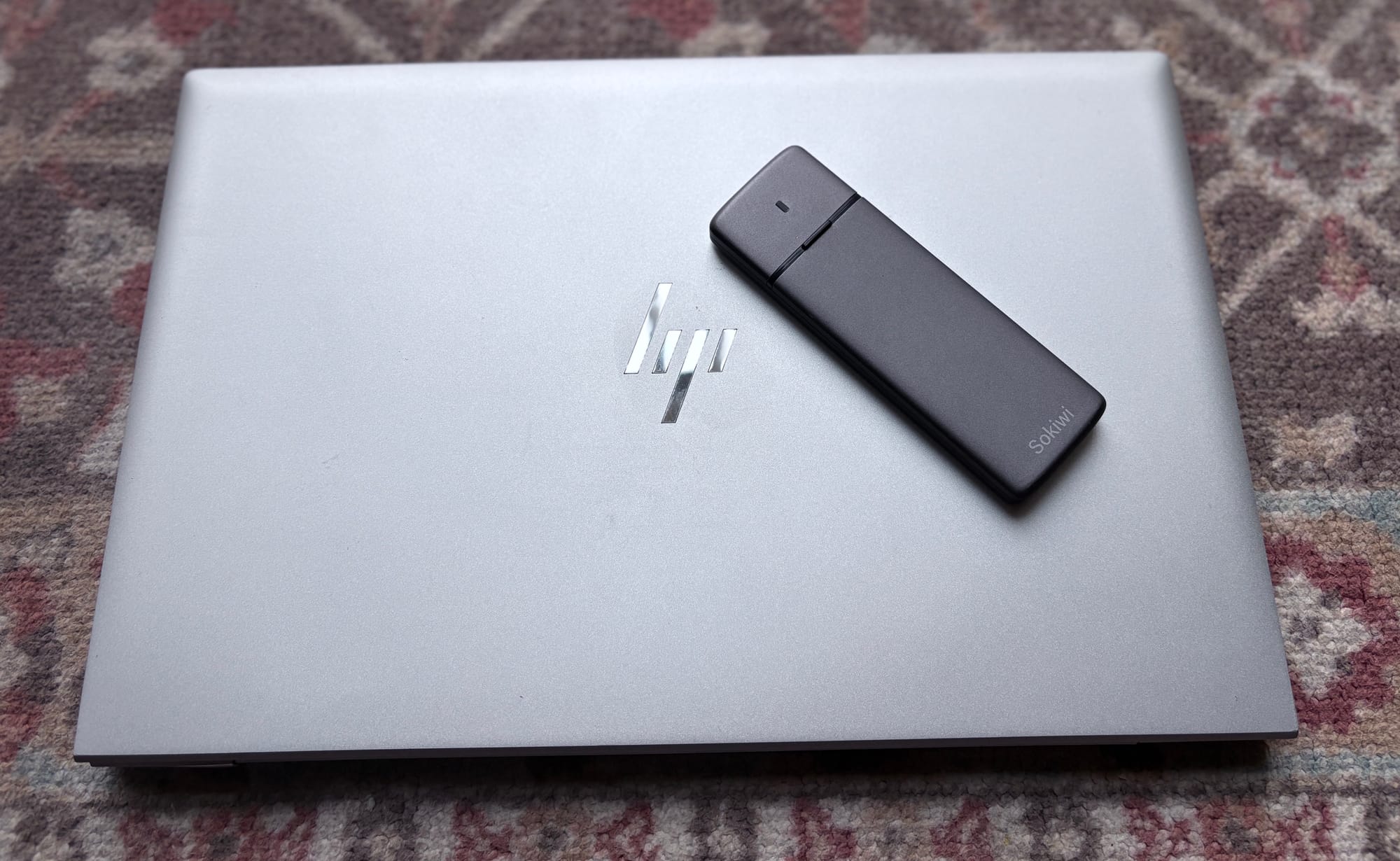
With SSD prices dropping and NVMe storage becoming more common, an enclosure turns leftover or new NVMe drives into a high-speed, customizable, and affordable portable SSD.
For IT support professionals, content creators, or anyone moving large files regularly—this is a must-have tool in the bag.
amazon link : https://sudeeps.com/fdkv
Conclusion
Using an NVMe enclosure is hands-down the best way to get:
- Higher speed
- Lower cost
- Better flexibility
Whether you're repurposing an old drive or building a cutting-edge portable SSD with USB 4, NVMe enclosures offer incredible performance and value for money.
Thank you so much for taking the time to read my blog post! Your support and engagement truly mean a lot and inspire me to keep creating and sharing more valuable content. If you enjoyed this post, I’d love to hear your thoughts—feel free to leave a comment in the box below and join the conversation. And if you’d like to stay updated with the latest posts, tips, and insights, don’t forget to subscribe to my newsletter. By joining, you’ll be the first to know when new content is published, so you never miss an update.
The culture around football apparel reaches from stadium terraces to everyday collections when the colours and details become familiar symbols of belonging. The visual identity of Japan often becomes stronger during World Cup runs and continental competitions. For people following national team history, Euro finals football shirts remains one way to link football history with the practical choice of a shirt. The history behind a kit keeps the paragraph grounded in football culture rather than simple promotion.