Transforming My Home with Philips Hue Smart Lighting

Introduction
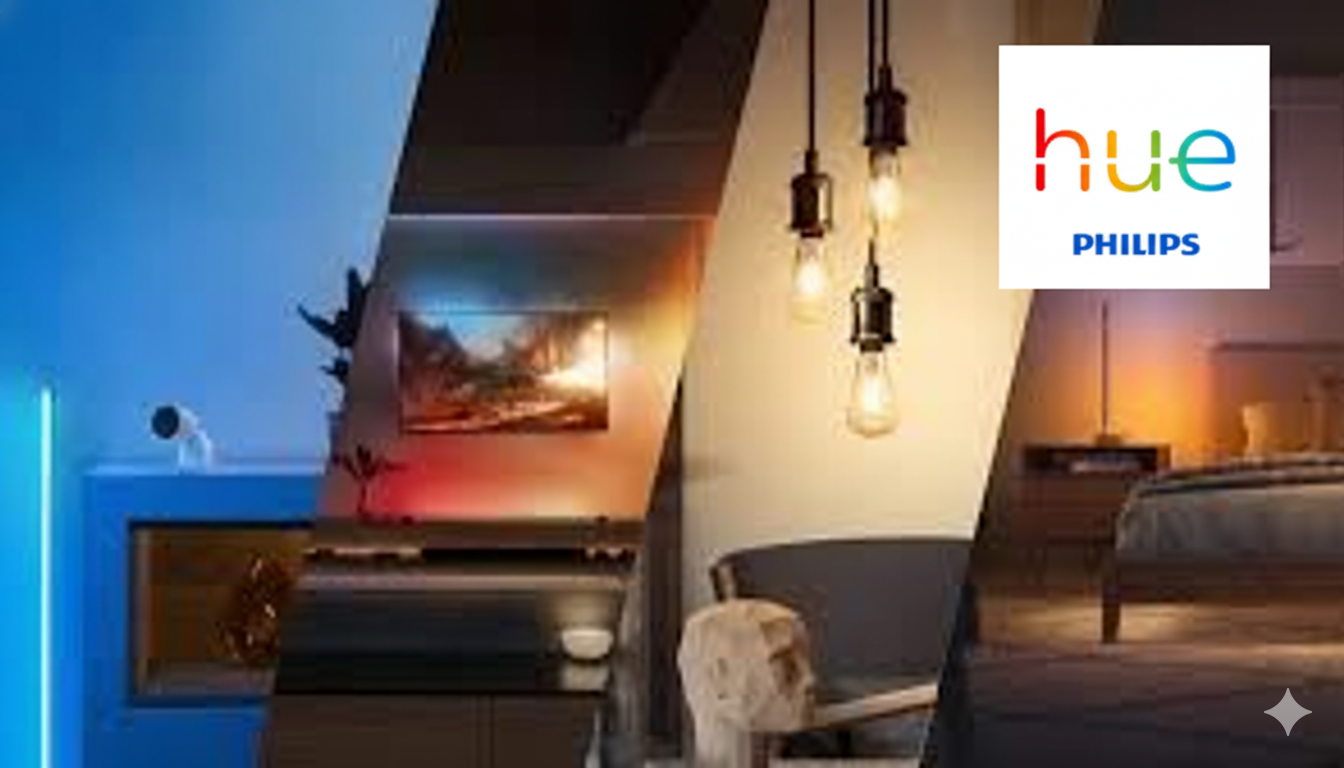
When it comes to smart lighting, Philips Hue stands out as one of the most complete and reliable ecosystems. What started for me as a simple experiment with a single smart bulb has now turned into a full home lighting setup controlled entirely from my phone — and even my voice.
In this blog, I’ll share how I built my Philips Hue smart lighting system using the Hue Bridge (Hub), smart bulbs, switches, motion sensors, and some Hue Light Bars — creating the perfect ambiance for every mood and moment in my home.
The Heart of It All: Philips Hue Bridge (Hub)

At the center of every Philips Hue setup is the Hue Bridge. It’s a small, simple-looking device, but it plays a huge role — it connects all your Hue lights and accessories using Zigbee, ensuring stable and responsive communication without relying entirely on Wi-Fi.
I connected the bridge to my home router, and within minutes, the Hue app detected it. From there, it was easy to add bulbs, switches, and sensors. What I love most is that even if the internet goes down, my Hue lights still work seamlessly because the Bridge handles everything locally.
Philips Hue Smart Bulbs – The Magic of Light
The Hue bulbs are where the magic really begins. I started with a few White and Color Ambiance bulbs, and now they light up almost every room in my home.
Each bulb can produce millions of colors and shades of white — from warm cozy tones to bright daylight.
I’ve set up different lighting scenes in the Hue app:
- 🌅 Morning Routine: Soft warm light that gradually brightens as I wake up.
- 🎬 Movie Time: Dimmed blue light behind the TV for a cinematic feel.
- 💤 Night Mode: Gentle amber light in hallways for late-night movements.
Voice commands via Alexa or Google Assistant make it even better — a simple “Hey Alexa, turn on Relax mode” changes the entire mood of the room.
Hue Smart Switches – Control Without the Phone
While the app and voice controls are convenient, Hue smart switches bring traditional control back into the mix. I’ve placed Hue Dimmer Switches in my living room and bedroom, and they work perfectly without touching my phone.
Each button can be customized to control brightness, toggle between scenes, or even activate a specific color theme. It’s perfect for guests or family members who aren’t used to smart home apps.
Hue Motion Sensors – Lights That Think for You

One of my favorite accessories is the Hue Motion Sensor. I installed one in the hallway and another in the bathroom. Whenever someone walks in, the lights turn on automatically, and turn off after a few minutes of inactivity.
The sensors are smart enough to detect brightness levels — during the day, they don’t trigger if there’s enough natural light. It’s energy-efficient and makes everyday living so much more convenient.
Hue Light Bars – Bringing Color to Life
The Hue Play Light Bars are the highlight (literally) of my setup. I placed two behind my TV and another one on my desk. These bars sync beautifully with movies, games, and even music, creating an immersive lighting experience.
Using the Hue Sync app on my PC, the lights match the on-screen colors in real-time. Watching a movie or playing a game feels like being part of the action — it’s that immersive!
The Hue App – Control Everything in One Place
The Philips Hue app ties everything together. It allows me to group lights by room, create scenes, set schedules, and even control lights when I’m away from home.
One of the best features is automation — for example:
- Automatically turn off all lights when I leave home.
- Turn on the porch light at sunset.
- Wake up with a gentle sunrise effect every morning.
It’s simple yet powerful, and the more I use it, the smarter my home feels.
Integration with Smart Home Ecosystem
Philips Hue works perfectly with Apple HomeKit, Amazon Alexa, Google Home, and SmartThings. Since I’m already deep into the Apple ecosystem, I integrated Hue with HomeKit — allowing me to control my lights through Siri or the Home app.
Now I can say, “Hey Siri, good night,” and all my lights turn off automatically. It feels futuristic and natural at the same time.
Final Thoughts
My journey with Philips Hue has completely transformed the way I think about lighting. It’s not just about brightness anymore — it’s about mood, energy, and atmosphere. Whether I’m working, relaxing, or entertaining guests, I can instantly set the perfect vibe with a tap or a voice command.
From the Hue Bridge to smart bulbs, switches, motion sensors, and light bars, every component works in harmony to make life more comfortable and colorful.
If you’re looking to upgrade your home lighting, Philips Hue is one of the most reliable and enjoyable smart lighting systems you can invest in.
 Sudeep Shrestha
Thank you so much for taking the time to read my blog post ! Your support and engagement truly mean a lot and inspire me to keep creating and sharing more valuable content. If you enjoyed this post, I’d love to hear your thoughts—feel free to leave a comment in the box below and join the conversation. And if you’d like to stay updated with the latest posts, tips, and insights, don’t forget to subscribe to my newsletter. By joining, you’ll be the first to know when new content is published, so you never miss an update.
Football apparel often links a city, a club, and a shared set of memories because the badge and colours can carry meaning long after a fixture ends. Discussions about breathable shirt fabric help readers think about how a team shirt fits their own use. Anyone comparing player and fan versions may find, Atletico Madrid football shirts is a clear search phrase for readers comparing styles and versions. For fans who value comfort, the discussion stays close to teams, supporters, and shared history.