Reuse Your Old Laptop Hard Drive as an External USB Drive.

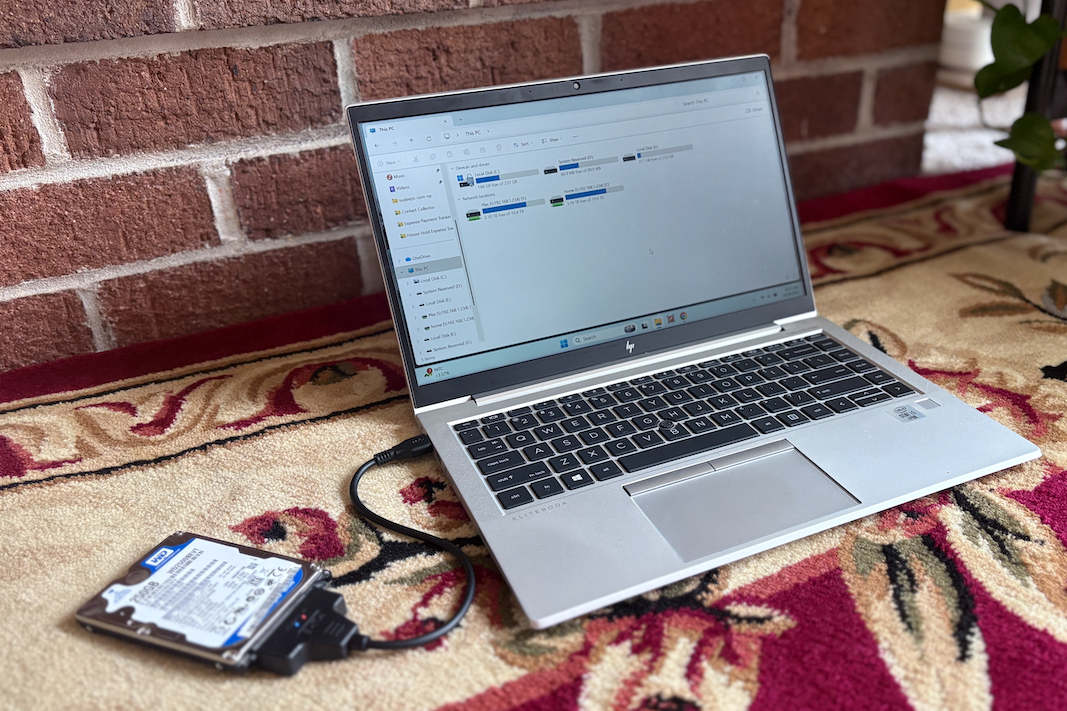
Have an old laptop sitting around collecting dust? Don’t throw it away just yet — it might have a hidden gem inside: the hard drive! With a simple SATA to USB adapter or an external hard drive enclosure, you can easily turn that old internal drive into a portable external USB drive. It’s a great way to save money and make good use of old hardware.
Why Reuse an Old Hard Drive?
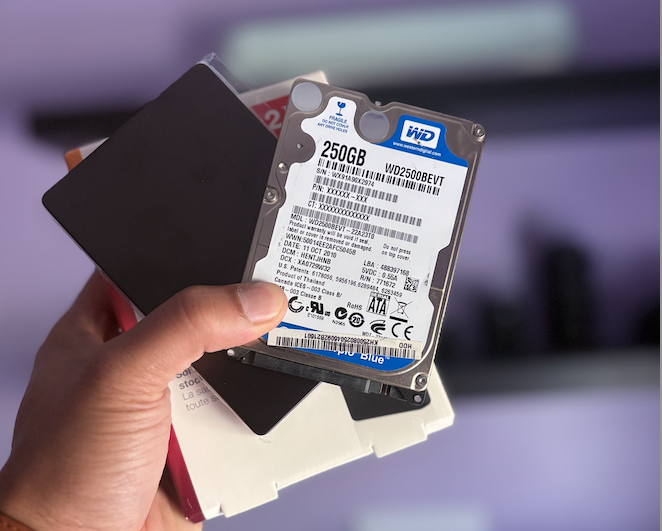
When a laptop stops working or gets upgraded to an SSD, its internal hard drive often still works perfectly. Instead of letting it go to waste, you can:
- Store files, photos, and backups.
- Use it as a portable drive for transferring large files.
- Keep it as an emergency data recovery or cloning disk.
It’s eco-friendly, cost-effective, and takes just a few minutes to set up.
What You’ll Need
- Your old laptop hard drive (SATA type)
- SATA to USB Adapter or 2.5" SATA HDD Enclosure
- Both are easily available online for under $15.
- Make sure it supports USB 3.0 for faster data transfer.
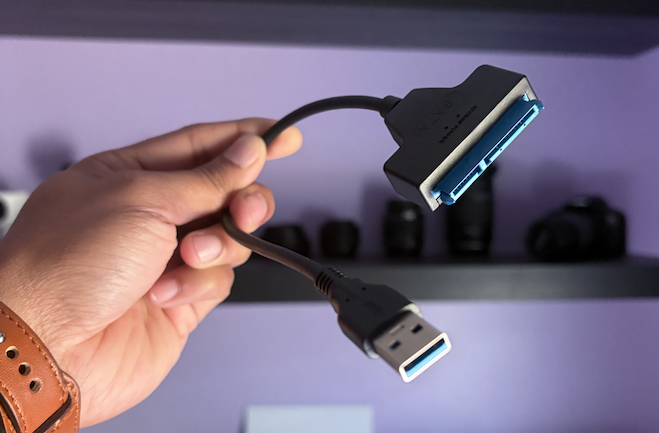
amazon Link : https://sudeeps.com/99ff
amazon Link: https://sudeeps.com/4i38
Steps to Convert Your Old Drive
- Remove the Hard Drive from Your Old Laptop
- Power off and disconnect the laptop from any power source.
- Unscrew the back panel and carefully slide out the hard drive.
- Connect via SATA to USB Adapter or Enclosure
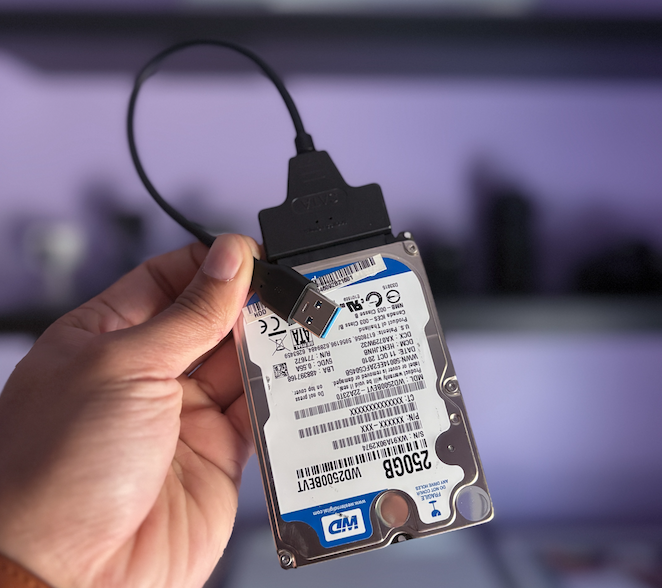
- If using an adapter, just plug the SATA and power connectors into the drive, and connect the USB to your computer.
- If using an enclosure, slide the drive inside, secure it, and plug in the USB cable.
- Plug It Into Your Computer
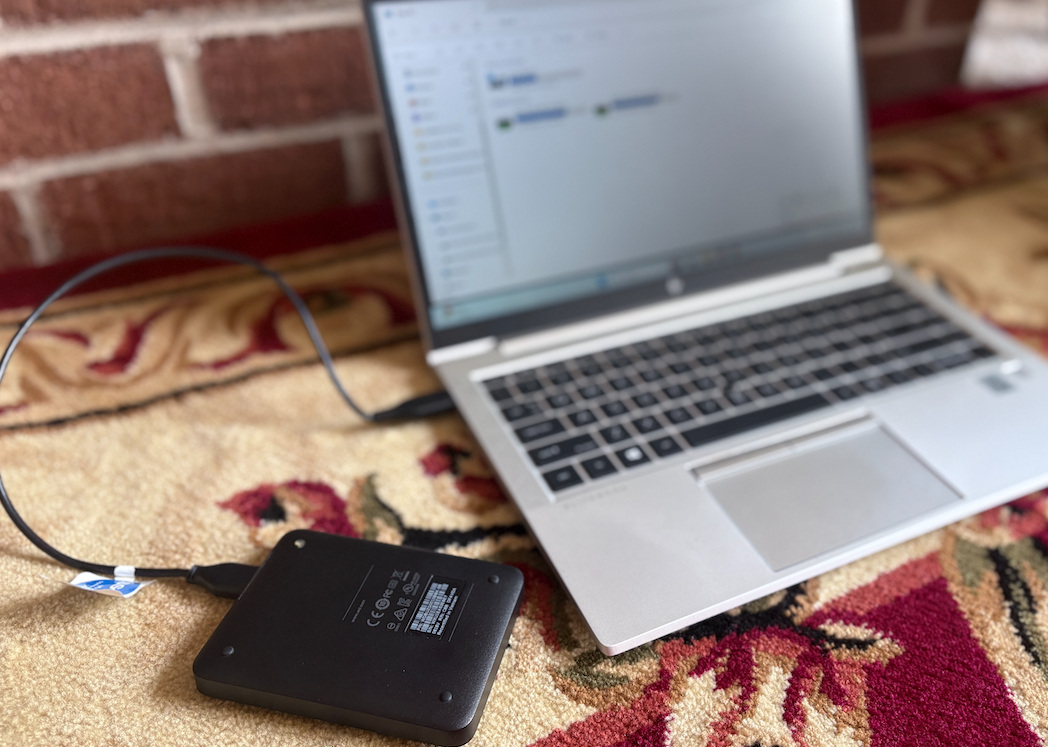
- Windows, macOS, or Linux will automatically detect it.
- If it doesn’t appear, open Disk Management (Windows) or Disk Utility (Mac) to format or assign a drive letter.
- Format If Needed
- Choose exFAT if you plan to use it across Windows and Mac.
- For Windows-only use, NTFS is best.
Tips & Tricks
- If the drive is slow or clicking, it may be failing — back up your data immediately.
- Use a solid enclosure with ventilation to prevent overheating.
- Label it clearly if you’re using multiple drives.
Final Thoughts
Recycling your old laptop’s hard drive into an external USB drive is one of the simplest and most satisfying DIY tech upgrades. With just a small adapter or enclosure, you get a fully functional portable drive — perfect for backups, file storage, or even running lightweight portable apps.
So before tossing that old laptop, take a few minutes to give its hard drive a new purpose!
Thank you so much for taking the time to read my blog post! Your support and engagement truly mean a lot and inspire me to keep creating and sharing more valuable content. If you enjoyed this post, I’d love to hear your thoughts—feel free to leave a comment in the box below and join the conversation. And if you’d like to stay updated with the latest posts, tips, and insights, don’t forget to subscribe to my newsletter. By joining, you’ll be the first to know when new content is published, so you never miss an update.
Collectors often read football history through collars, sponsors, badges, and colour patterns as supporters use shirts to connect club identity with everyday style. Shirt collecting habits often influence how fans compare one season with another. When supporters think about matchday clothing, Champions League football shirts remains a phrase that sits comfortably in content about football identity. That perspective adds context around collecting, gifting, and choosing a team shirt.