Port Forwarding Explained: What It Is, Why You Use It, and the Risks You Need to Know


If you’ve ever set up a home server, gaming console, or IP camera, chances are you’ve come across the term port forwarding. While it can make devices on your home network accessible from anywhere on the internet, it also comes with serious risks if not handled properly. In this post, we’ll break down what port forwarding is, why people use it, the dangers it brings, and some safer alternatives you can consider.
What is Port Forwarding?
Think of your home network like a Secured gated community. Your router acts as the gatekeeper, allowing devices inside (computers, phones, smart TVs) to connect to the internet but blocking outsiders from coming in.
Port forwarding is like giving a specific visitor a key to one of the houses. It tells your router: “When someone knocks on this door (a port number), let them through to a specific device inside my network.”
For example:
- Port 3389 might forward to a Windows computer for Remote Desktop access.
- Port 25565 could forward to a Minecraft server so friends can play online.
- Port 80/443 might forward to a web server running on your home PC/Server or Raspberry Pi.
Why Do People Use Port Forwarding?
There are many practical reasons for using port forwarding, especially for tech enthusiasts and home lab setups:
- Hosting Servers – Run your own game servers, web servers, or media servers.
- Remote Access – Connect to your home computer, NAS, or IP cameras while away.
- Smart Devices – Some smart home tools require remote access that works through forwarded ports.
- File Sharing – Access files stored on your home network from anywhere in the world.
It’s simple, direct, and doesn’t require special software—just some router configuration.
The Risks of Port Forwarding
While convenient, port forwarding opens up a direct door into your private network. If you’re not careful, that door can become a major security vulnerability. Here’s why:
- Exposing Services to Hackers
The moment you open a port, anyone on the internet can try to connect. If the service has weak passwords, outdated software, or unpatched vulnerabilities, hackers can break in. - Brute Force Attacks
Services like Remote Desktop (RDP) and SSH are common hacker targets. Automated bots constantly scan the internet, trying millions of username-password combinations. - Malware and Exploits
If an attacker gains access, they can steal files, install malware, or even take over other devices on your network. - Data Privacy Risks
Without encryption, data sent through forwarded ports could be intercepted, putting sensitive information at risk. - Unintended Exposure
Sometimes you might accidentally forward a port to the wrong device or leave one open longer than needed, leaving you vulnerable without realizing it.
Safer Alternatives to Port Forwarding
The good news is that you don’t have to rely on traditional port forwarding to access your devices remotely. Here are some safer options:
VPN (Virtual Private Network)
 Sudeep Shrestha
- A VPN creates a secure, encrypted tunnel between your device and your home network.
- Instead of opening ports, you connect to your VPN, and it feels like you’re at home.
- Great for privacy and security. Tools like OpenVPN or WireGuard can be set up on a Raspberry Pi or home server.
Reverse Proxy
 Sudeep Shrestha
- A reverse proxy (like Nginx or Traefik) acts as a middleman. Instead of exposing multiple services directly, you expose just the proxy, which handles requests securely.
- With SSL certificates, traffic stays encrypted and harder to exploit.
Tunneling Services
 Sudeep Shrestha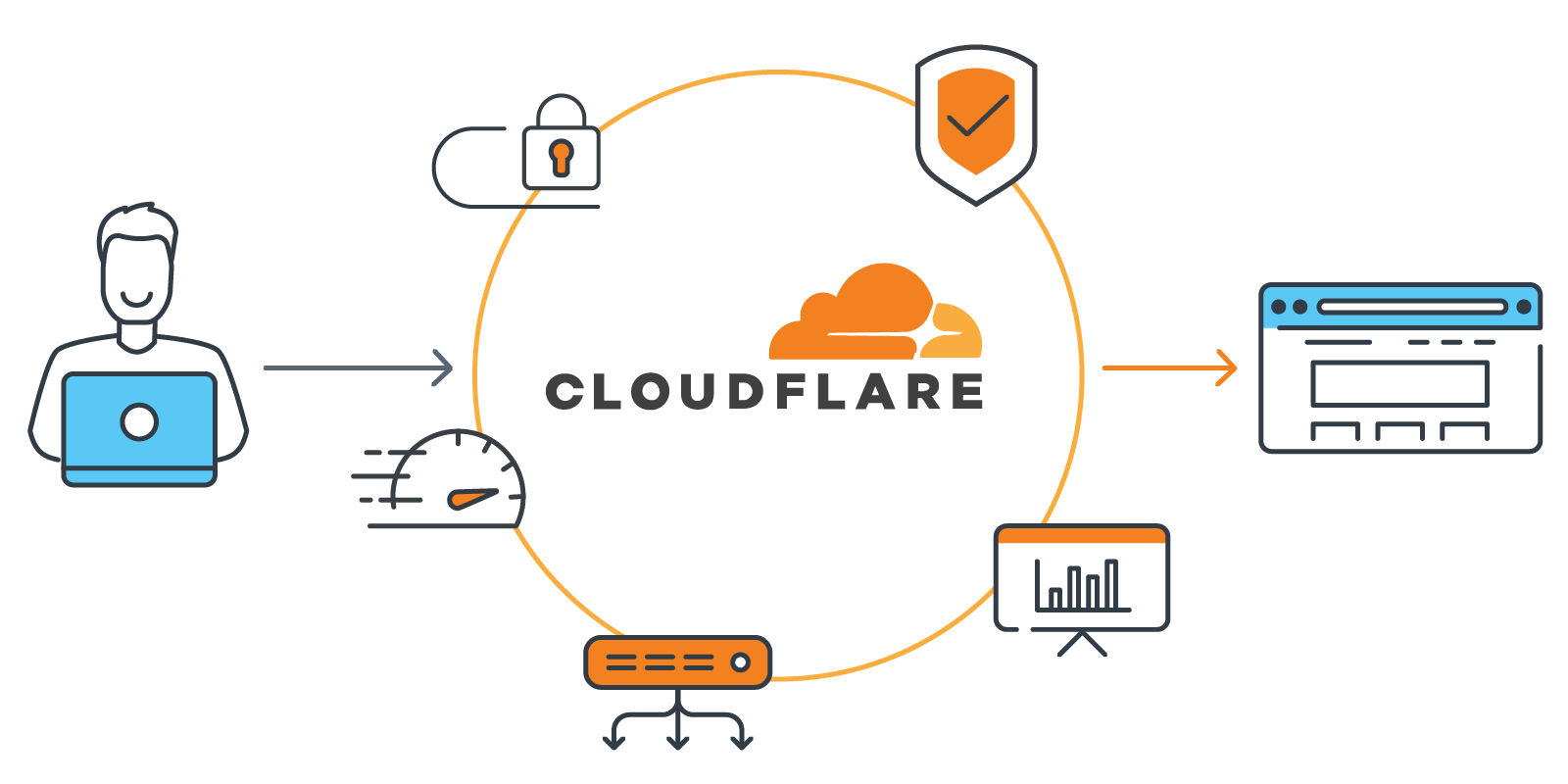
- Tools like Cloudflare Tunnel or Ngrok let you securely expose local services to the internet without opening ports.
- They provide authentication, encryption, and extra security layers out of the box.
Zero Trust Solutions
 Sudeep Shrestha
- Services like Tailscale or ZeroTier create private, peer-to-peer networks between your devices.
- No open ports, no central exposure—just secure connections between your own trusted devices.
Final Thoughts
Port forwarding is powerful and useful, but it’s also a double-edged sword. While it can enable remote access and hosting from your home network, it also exposes you to unnecessary risks if not done securely.
Instead of relying on open ports, consider using a VPN, proxy, or tunneling solution for a safer, more modern approach. With these tools, you’ll still enjoy the convenience of remote access—without giving hackers an easy way into your digital home.
Note: If you must use port forwarding, at least secure it with strong passwords, two-factor authentication, IP restrictions, and frequent software updates. But whenever possible—avoid it altogether and go with safer alternatives.
Thank you so much for taking the time to read my post! Your support and engagement truly mean a lot and inspire me to keep creating and sharing more valuable content. If you enjoyed this post, I’d love to hear your thoughts—feel free to leave a comment in the box below and join the conversation. And if you’d like to stay updated with the latest posts, tips, and insights, don’t forget to subscribe to my newsletter. By joining, you’ll be the first to know when new content is published, so you never miss an update.
Supporters often connect a favourite team with the design worn during a memorable campaign as fans compare old designs with the look of newer campaigns. Discussions about third kit colours help explain why supporters remember some kits more clearly than others. When comparing home, away, and third kit styles, Japan national team shirt remains a useful phrase within the wider story of football shirts. The appeal of a football shirt keeps the paragraph grounded in football culture rather than simple promotion.