Guest Network on Your Home Router and Why is it Important for Your Home Office.

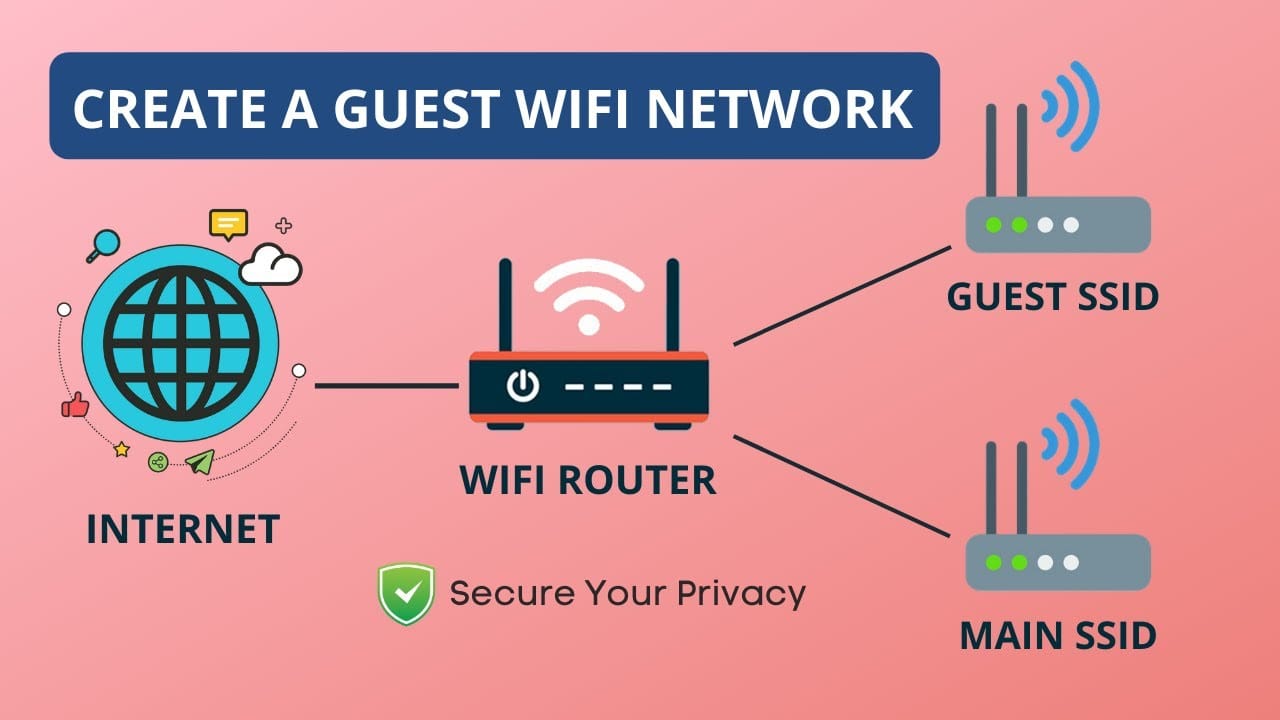
When working from home, network security is just as important as speed and reliability. One powerful yet often overlooked feature built into most modern home routers is the guest network. Setting one up can help you protect your devices, your data, and even your work.
What is a Guest Network?
A guest network is a separate Wi-Fi network created by your home router, designed specifically for visitors or devices that don’t need access to your main network. Think of it as a “digital waiting room” — it allows internet access without giving guests access to your personal files, smart devices, or work computer.
When you enable a guest network:
- It broadcasts a separate Wi-Fi name (SSID), such as Home-WiFi-Guest.
- Guests can connect to the internet, but they are isolated from your main devices.
- You can set unique passwords and even limit the bandwidth usage.
Why is a Guest Network Important for Your Home Office?
1. Protects Your Work Devices and Data
If a friend or family member connects their phone or laptop that has malware, it won’t spread to your work PC, NAS, or other important devices. This is critical when you’re handling sensitive work documents in a home office.
2. Keeps Smart Devices Isolated
Many smart home gadgets (like cameras, smart bulbs, or IoT plugs) don’t have strong security protections. Placing them on a guest network ensures they can’t interact with your work computer or personal data if they’re ever compromised.
3. Prevents Unauthorized Access
Instead of giving out your main Wi-Fi password, you share the guest Wi-Fi. If you ever need to change it, you can update the guest password without affecting your own devices.
4. Improves Bandwidth Management
Some routers allow you to control bandwidth for the guest network. This means visitors streaming videos won’t hog the speed you need for video calls or remote work.
5. Adds an Extra Layer of Security
By segmenting your home and office devices, you create a small but effective barrier that makes it harder for cyberattacks to spread across your entire network.
How to Set Up a Guest Network
- Log in to your router’s admin page (usually by entering your router’s IP in a browser).
- Look for Wireless Settings or Guest Network options.
- Enable Guest Network and set a unique SSID (name).
- Add a strong password — avoid leaving it open.
- (Optional) Configure isolation, bandwidth limits, or schedule access.
Final Thoughts
A guest network isn’t just a “nice-to-have” feature — it’s an essential part of modern home office security. By isolating your work devices from guests and smart gadgets, you keep your data safer while still offering internet access to visitors.
Next time you log in to your router settings, take a few minutes to set up your guest network. It’s one of the simplest ways to strengthen your home office security.
Thank you so much for taking the time to read my blog! Your support and engagement truly mean a lot and inspire me to keep creating and sharing more valuable content. If you enjoyed this post, I’d love to hear your thoughts—feel free to leave a comment in the box below and join the conversation. And if you’d like to stay updated with the latest posts, tips, and insights, don’t forget to subscribe to my newsletter. By joining, you’ll be the first to know when new content is published, so you never miss an update.
Classic kits help fans connect modern football with older moments in the game when the difference between player and fan versions becomes part of the discussion. Supporter identity through shirts can be just as important as the badge when fans compare different kits. Among the options linked to club identity, best football shirts for supporters is a phrase that sits comfortably in content about football identity. For that reason, the paragraph can mention shirts without turning into direct advertising.