Getting Rid of SPAM Calls on iPhone

How the New iOS 26.1 Call Screening Feature Stops Unknown Callers Before Your Phone Rings
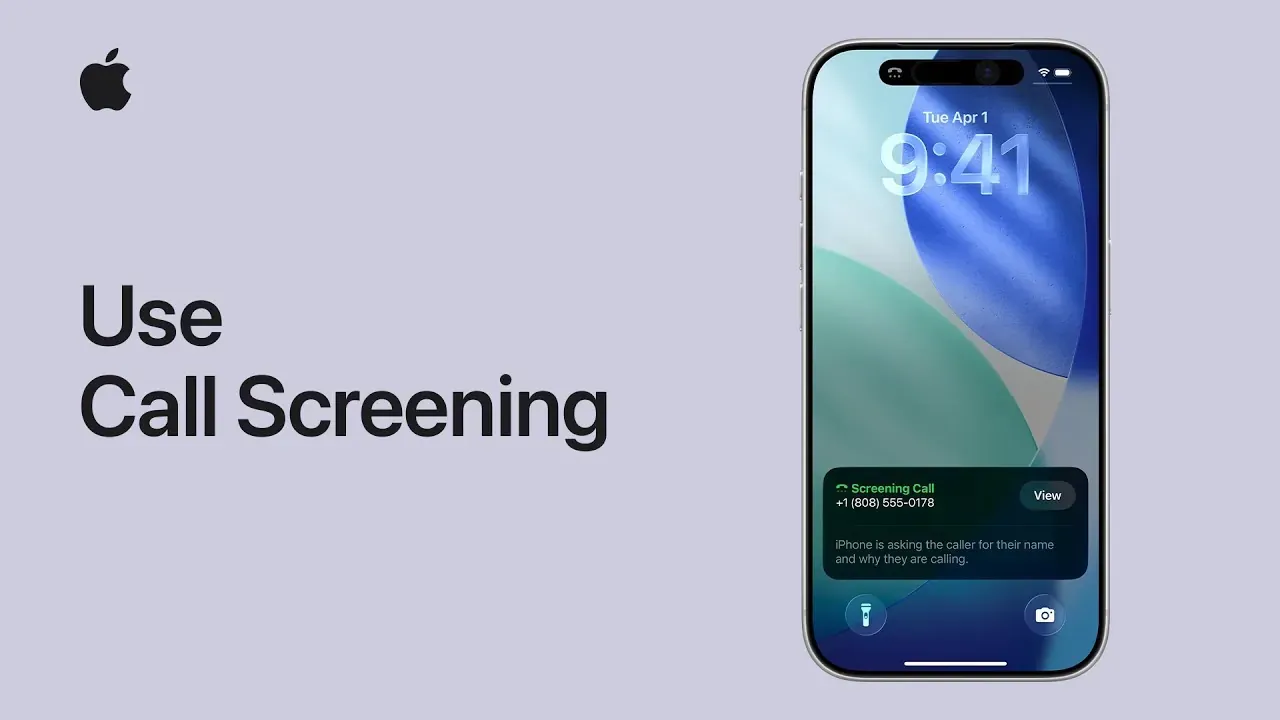
Spam calls are one of the most annoying parts of using a smartphone. Telemarketers, robocalls, and scam attempts seem to come at the worst possible times. With iOS 26.1, Apple has finally taken a big step forward by introducing a powerful Call Screening feature that automatically screens every unknown caller before your iPhone even rings.
In this blog, I’ll explain what this feature does and how you can enable it on your iPhone in just a few taps.
What Is Call Screening in iOS 26.1?
The Call Screening feature works silently in the background to protect you from spam and scam calls.
Here’s how it helps:
- Screens all unknown callers automatically
- Uses on-device intelligence to identify potential spam
- Prevents suspicious calls from ringing your phone
- Shows you a call summary if the call is legitimate
- Keeps your number private and secure
If the caller is genuine, you’ll still have the option to answer or return the call later—without being interrupted.
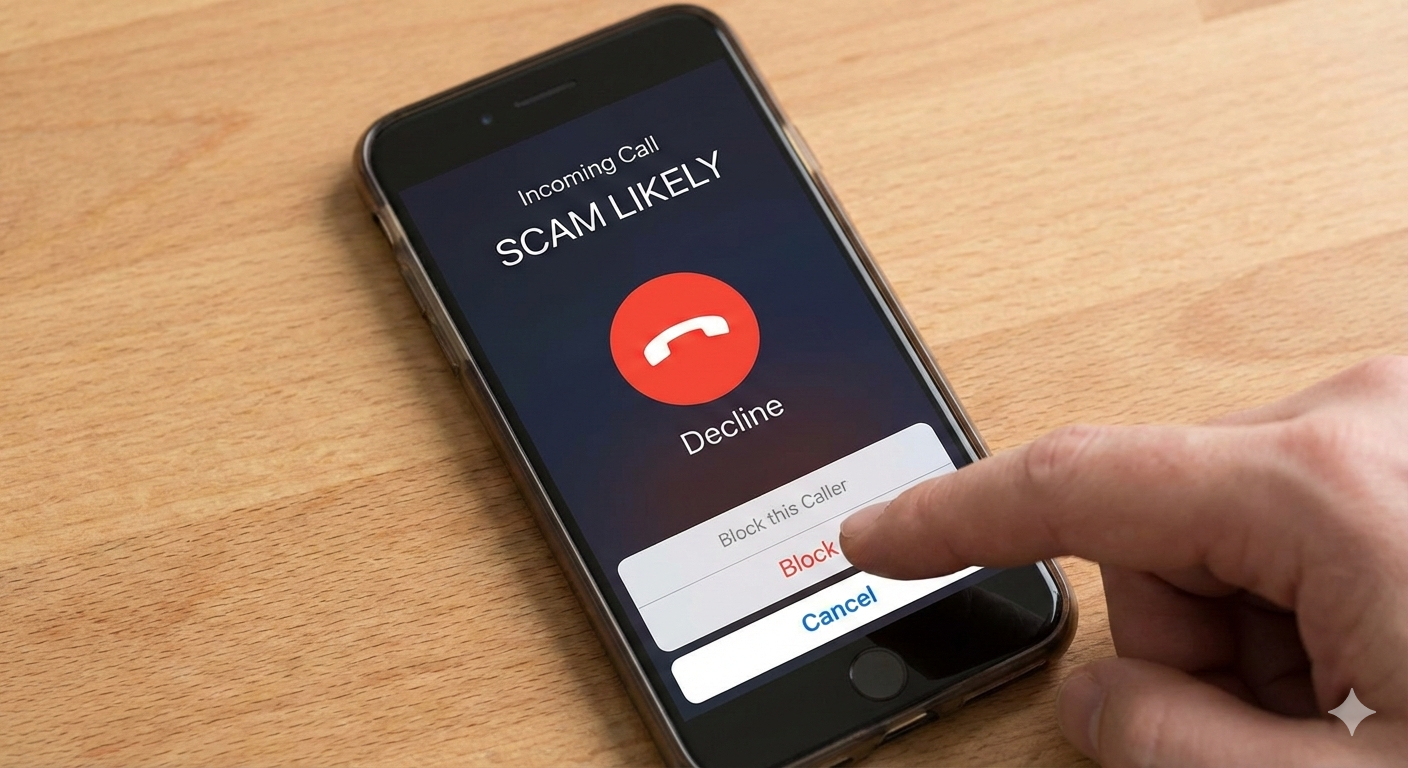
Why This Feature Is a Game Changer
- No more interrupted meetings or family time
- No need for third-party spam call apps
- Works seamlessly with Apple’s privacy-first approach
- Reduces scam and fraud risks significantly
For anyone tired of constant spam calls, this feature alone makes iOS 26.1 worth it.
How to Enable Call Screening on iPhone (iOS 26.1)
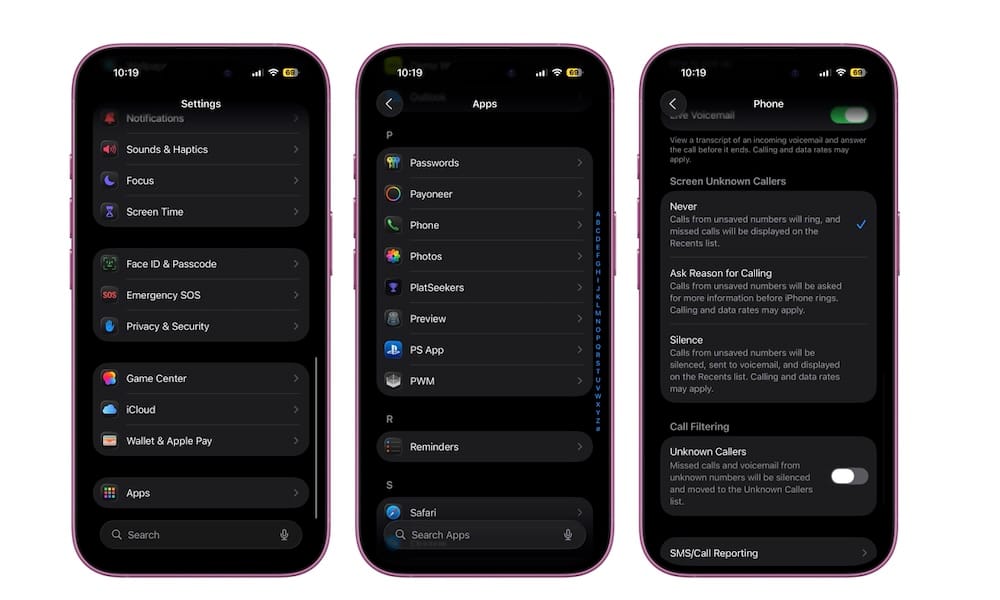
Follow these simple steps to activate Call Screening:
- Open the Settings app
- Scroll down and tap Phone
- Select Call Screening & Blocking (or Call Screening, depending on device)
- Turn ON Screen Unknown Callers
- (Optional) Enable Silence Unknown Callers for extra protection
Once enabled, your iPhone will automatically screen calls from numbers not saved in your contacts.
What Happens After You Enable It?
- Unknown callers are screened before reaching you
- Spam calls are blocked or silenced automatically
- Legitimate callers can leave a message or be reviewed later
- You stay in control without missing important calls
Final Thoughts
Apple’s iOS 26.1 Call Screening feature is one of the best quality-of-life improvements for iPhone users. It’s simple, effective, and respects your privacy—exactly what spam protection should be.
If you’re tired of spam calls, take one minute to enable this feature and enjoy a quieter, safer iPhone experience.
Thank you so much for taking the time to read my blog post! Your support and engagement truly mean a lot and inspire me to keep creating and sharing more valuable content. If you enjoyed this post, I’d love to hear your thoughts—feel free to leave a comment in the box below and join the conversation. And if you’d like to stay updated with the latest posts, tips, and insights, don’t forget to subscribe to my newsletter. By joining, you’ll be the first to know when new content is published, so you never miss an update.